

Theme Functionality
WordPress provides us the ability to fully customize the viewing experience for the theme, most of the features can be customized using the function add_theme_support()
Let’s look at some of the customizations.
Custom Headers
Custom headers can be enabled with the custom-header feature in the add_theme_support()
$custom_header = array(
	'default-image'      => get_template_directory_uri() . 'img/default-image.jpg',
	'default-text-color' => '000',
	'width'              => 1000,
	'height'             => 250,
	'flex-width'         => true,
	'flex-height'        => true,
);
add_theme_support( 'custom-header',$custom_header );
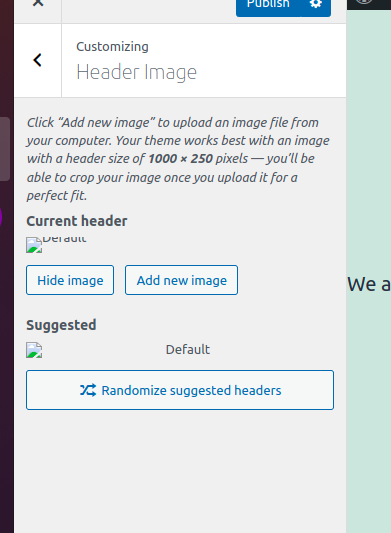
With this the option for the custom header would appear in the customizer
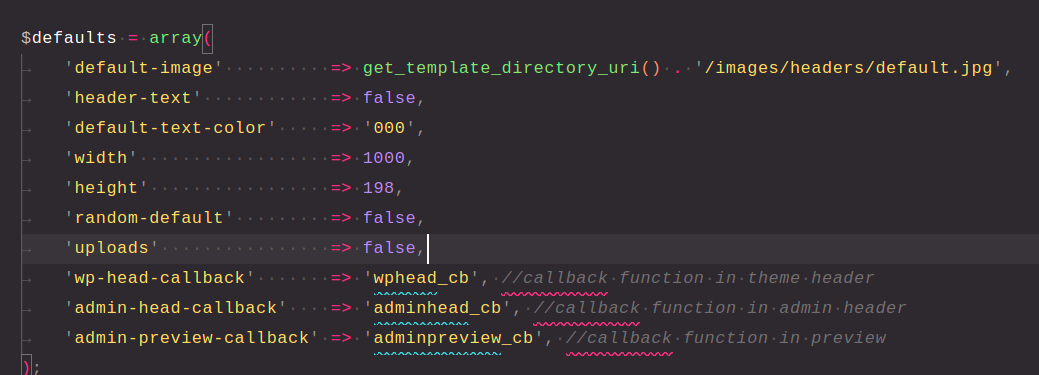
The options which can be configured for custom-header are
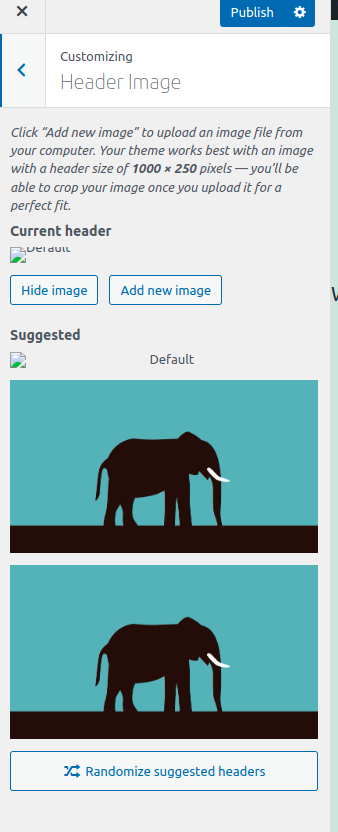
Adding default images for custom-header -> we can add a set of default images to choose from, using the help of the function register_default_headers() -> This function saves the data under the global variable $_wp_default_headers
$default_header_images = array(
	'image1' => array(
		'url'           => get_template_directory_uri() . '/images/image1.jpg',
		'thumbnail_url' => get_template_directory_uri() . '/images/image1.jpg',
		'description'   => 'Image 1',
	),
	'image2' => array(
		'url'           => get_template_directory_uri() . '/images/image2.jpg',
		'thumbnail_url' => get_template_directory_uri() . '/images/image2.jpg',
		'description'   => 'Image 2',
	),
);
register_default_headers( $default_header_images );
This would show us images in the customizer
Sidebars
To use the sidebars, we must first register them in our themes functions.php
The process of registering a sidebar is very easy, we can use the function register_sidebar() on the widget_init hook to register our sidebar.
function register_our_sidebars() {
	$args = array(
		'name'          => __( 'Primary Sidebar', 'test-theme' ),
		'id'            => 'sidebar-1',
		'before_widget' => '<aside id="%1$s" class="widget %2$s">',
		'after_widget'  => '</aside>',
		'before_title'  => '<h3 class="widget-title">',
		'after_title'   => '</h3>',
	);
	register_sidebar( $args );

}

add_action( 'widgets_init', 'register_our_sidebars' );
This would register our sidebar to the global variable $wp_registered_sidebars.
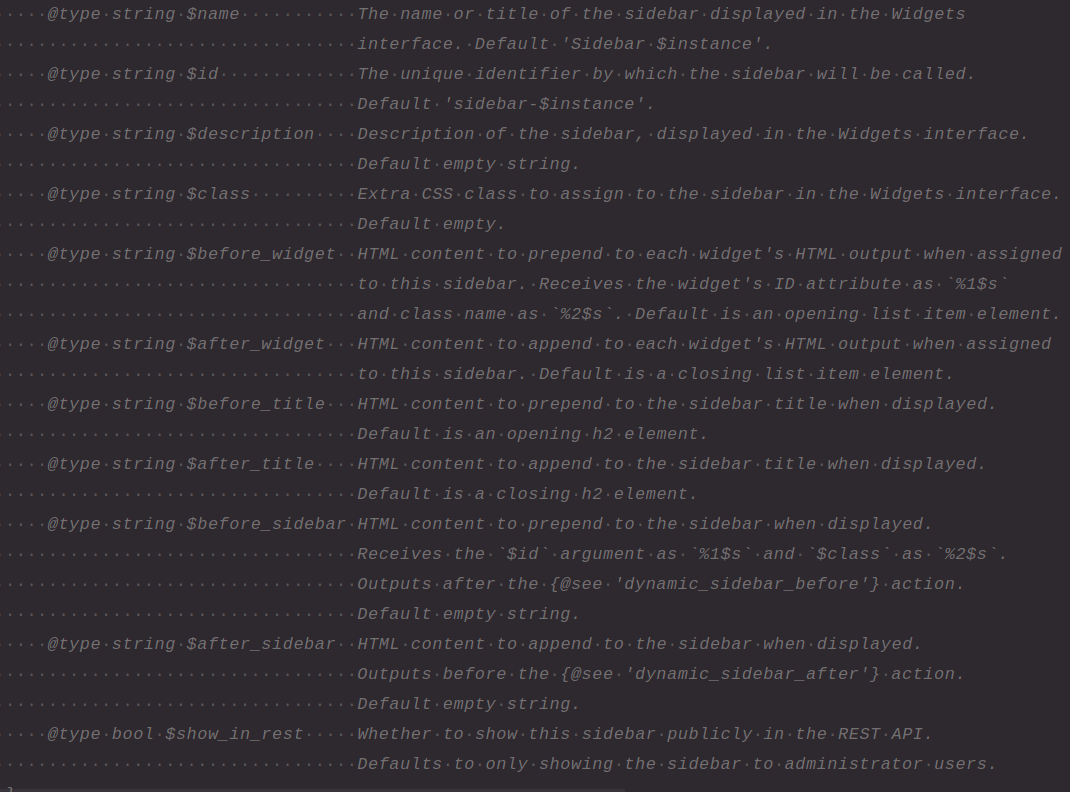
Also the arguments in the register_sidebar function are these.
Displaying the sidebar
We can use the function dynamic_sidebar which accepts the sidebar id as the parameter to display our sidebar in our template
dynamic_sidebar( 'sidebar-1' );If we are creating our sidebar in a separate file, we can load our sidebar file using the function get_sidebar(), if no parameter is passed to this function it will by default load the sidebar.php
If we pass parameters to this function it will load the file sidebar-{name}.php, for example
dynamic_sidebar( 'sidebar-1' ); // -> this would load the sidebar-sidebar-1.php fileChecking if our sidebar is active
We can use the function is_sidebar_active() to check if a specified sidebar is active or not, and there we can display it conditionally.
Displaying default content to sidebar
We can display the default content by check if our sidebar is displaying some content or not
<div id="primary" class="sidebar">
    <?php do_action( 'before_sidebar' ); ?>
    <?php if ( ! dynamic_sidebar( 'sidebar-sidebar-1' ) ) : ?>
        <aside id="search" class="widget widget_search">
           <?php get_search_form(); ?>
        </aside>
   <?php endif; ?>
</div>
This would display the search form if our sidebar is not displaying anything.