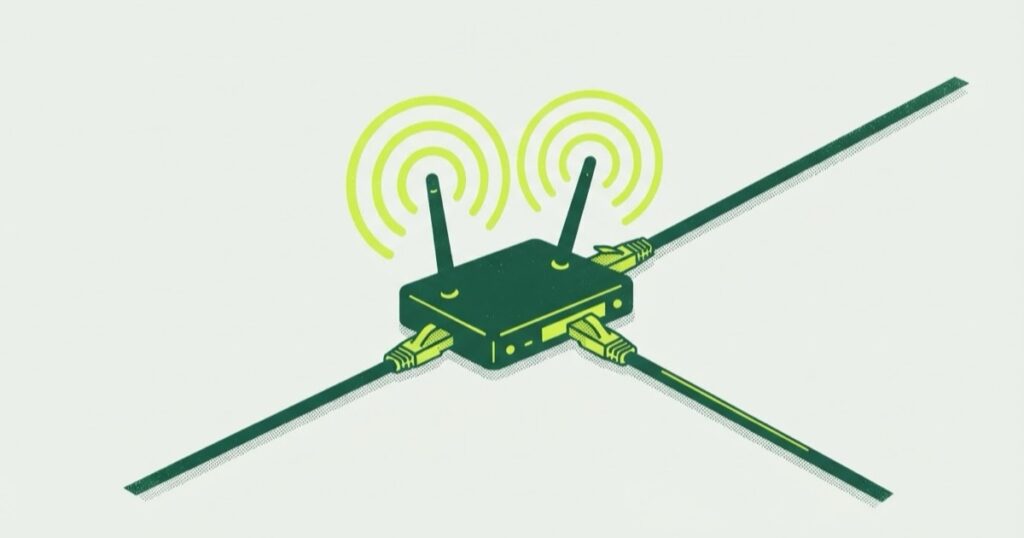
My homelab network is TP-Link Omada: one router, one PoE switch, two access points and a controller on a Raspberry Pi. This post covers the VLAN layout and a config flag that looks broken and is not. It also covers reading the controller’s database directly, and why two WAN links never made one download faster.
The layout
The hardware is an ER7206 router, an SG3210XHP-M2 switch and two EAP670 access points. The controller runs in a container on a Raspberry Pi that is not part of the Proxmox cluster, for reasons in the hardware post.
Four VLANs, split by how much I trust the devices on them, not by what the devices are:
- management -> the router, the switch, the access points and the controller
- trusted -> laptops and phones
- homelab -> the hypervisors and everything they run
- IoT -> anything that ships with a cloud account
Two SSIDs, not four. One lands on the trusted VLAN and one on IoT. Fast roaming (802.11r) is on for the first and off for the second. Omada’s own roaming guide says some legacy clients do not support 802.11r, and the IoT network is mostly legacy clients.
Why is vlan_enable false?
Read an SSID’s config out of the controller and you find this:
{ "vlan_enable": false, "vlan_setting": { "lan_network_id": "<id of a LAN network>" } }vlan_enable: false, on an SSID that is definitely tagging its traffic. Every instinct says something is misconfigured.
It is not. Every tagging SSID on my controller looks like this. The binding lives in vlan_setting.lan_network_id, which points at a LAN network object, and the VLAN comes from that object. vlan_enable looks like the older, flat way of doing it, a boolean plus a VLAN ID, left at its default.
Ignore
vlan_enable
- Flat boolean plus a VLAN ID
- Stays at
false - Does not decide the tagging
Check this
vlan_setting.lan_network_id
- Points at a LAN network object
- The VLAN comes from that object
- Set on every SSID that tags
I could not find either field in TP-Link’s documentation, so this comes from the controller’s own data, not from a spec. Check lan_network_id and ignore the boolean. It’s a feature not a bug. Worth writing down, because this is exactly the kind of thing that gets “fixed” at midnight.
Reading the config without the UI
Auditing a network through a web UI is fine for one setting and slow for forty. The controller keeps everything in MongoDB, listening on loopback on the Pi. The container ships mongod and no shell client, and installing one inside a vendor image is a fight I did not need.
The wire protocol is small enough to speak directly. Current MongoDB uses OP_MSG, opcode 2013, for both requests and replies, and removed the older opcodes in 5.1. A query is a BSON document in a framed envelope. About 60 lines of Python with a hand rolled BSON encoder and decoder can list databases, list collections and read documents. No installs, and read only by construction.
python3 mongoread.py dbs
python3 mongoread.py cols omada
python3 mongoread.py find omada lannetwork 20
Config is in the omada database and stats are in omada_data. The collections worth knowing:
lannetwork-> VLANs and their DHCP settingsssid-> wireless networks and their VLAN bindingacl,firewallconfig-> traffic rulesdhcpreservation,device,client-> who is where
60 lines is less work than 40 clicks.
For changes, use the official Open API instead (Settings, Platform Integration, Open API). That is how I made my later changes. Reading a vendor’s database is an audit. Writing to it is how you end up restoring a controller backup.
Is dual WAN the same as bonding?
No. The router had two ISPs, 400 and 300 Mbps, load balanced by weight. Omada’s load balancing distributes sessions across the WAN links. Each session uses one link.
So 400 + 300 = 700 for ten parallel downloads, and 400 or 300 for a single one. Omada’s own FAQ asks whether load balancing combines both speeds for one download, and answers “No”.
Two settings change the picture. Application Optimized Routing keeps traffic between the same source and destination on the WAN it first used, which stops multi-connection apps from breaking. Link Backup holds the second link in reserve, and while it is on, load balancing does not take effect.
What I had
Session load balancing
- Each session goes to one link, by weight
- Parallel downloads can exceed either link
- One download gets one link’s speed
- Works with any two ISPs
What it is not
Bonding
- Splits one flow across links
- Needs the other end to put it back together
- Two unrelated consumer ISPs do not offer that
A second link buys failover and room for concurrency. It does not buy a faster single download. If the reason for a second connection is one big file, it is the wrong purchase.
Right now only one of the two is connected, so the router is load balancing across a set of one.
What changed since the first version
The DHCP lease was 120 minutes on every VLAN. A client renews at half its lease by default (RFC 2131). So every device renewed about once an hour, 24 times a day, including infrastructure that never changes address. It is 24 hours now.
The earlier version of this post said “forty times a week”. The real number was closer to 168.
Leave a comment