

Custom Endpoints
To add endpoints to our API we must first have a route to which we will be adding the endpoints, basically routes are the URLs and endpoints are the methods and the function it will perform on particular methods.
We have to define a callback function for each endpoint in our route, for example let’s generate GET endpoint on the test route
add_action(
	'rest_api_init',
	function () {
		register_rest_route(
			'test/v2',
			'/test/(?P<id>\d+)',
			array(
				'methods'  => 'GET',
				'callback' => 'test_custom_route',
			)
		);


	}
);

function test_custom_route( $request ) {
	print_r( $request );
	$parameters = $request->get_params();
	print_r( $parameters );
	return new WP_Error( 'test', 'Test error message', array( 'status' => 404 ) );
}
Here the test_custom_route() is the callback function for our endpoint
Now this would be accessible at http://assignment.local/wp-json/test/v2/test/{anything_here}
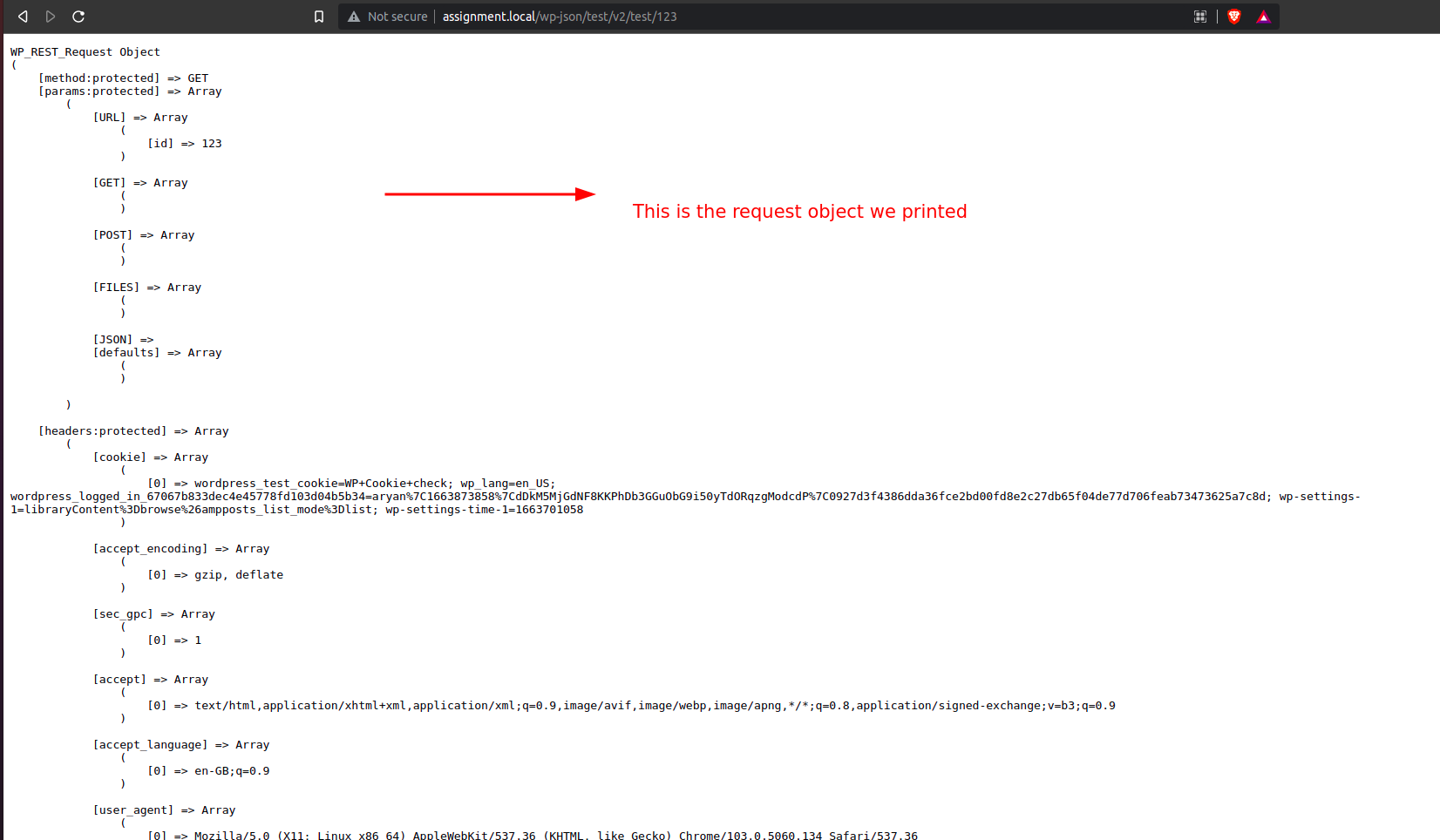
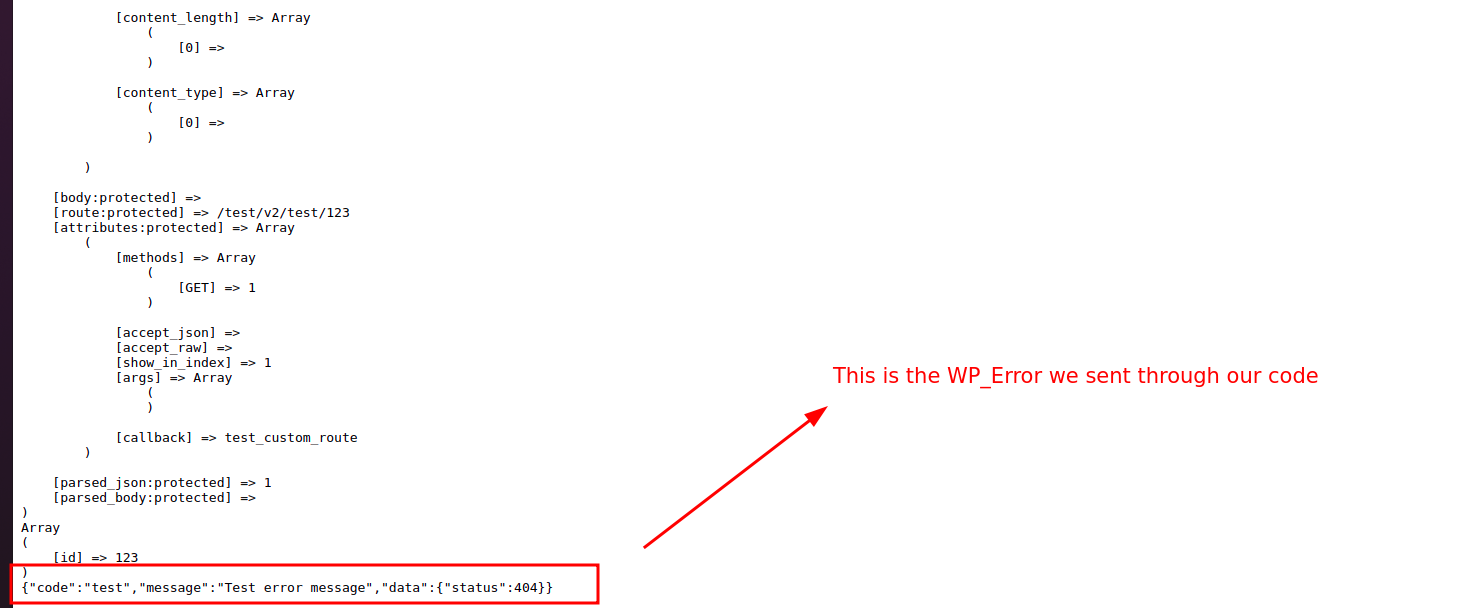
We can generate ENDPOINT for any method, we can also use constants for the methods.
- WP_REST_Server::ALLMETHODS;
- WP_REST_Server::READABLE;
- WP_REST_Server::CREATABLE
- WP_REST_Server::DELETABLE;
- WP_REST_Server::EDITABLE;
ALLMETHODS -> GET, POST, PUT, PATCH, DELETE
READABLE -> GET
CREATABLE -> POST
DELETABLE -> DELETE
EDITABLE -> POST, PUT, PATCH
It is a better convention to use the constants.
Sending the response
We must also use a class to send the response back just like we use to send an error back, the class is WP_Rest_Response
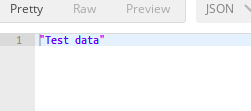
$response = new WP_REST_Response( 'Test data' );

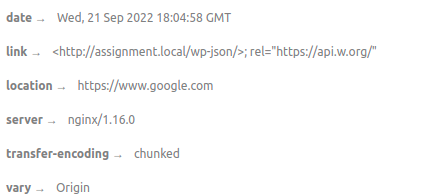
$response->set_status( 201 );

$response->header( 'Location', 'https://www.google.com' );
This would give us this response
WP CLI
WP CLI is the terminal way of interacting with the WordPress data, we can take advantage of it when we even broke our site and want to undo some changes, we can access plugins, themes and all wp settings directly through the WP CLI, it supports many commands and we can even easily add new commands in it.
Some example of the commands :
Post related commands :
- wp post -> to get the list of commands for the post
- wp post edit <id> -> to edit a particular post with the id
- wp post delete <id> -> to delete a particular post
- wp post exists <id> –> check if a post with a particular id exists
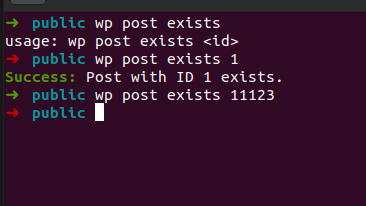
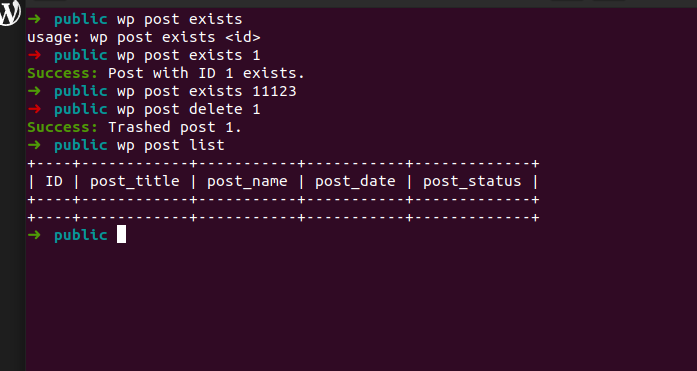
Scaffold command
We have used scaffold commands to generate post-type and taxonomies as well. It is used to generate starter code for particular classes.
Some scaffold commands are
- wp scaffold plugin
- wp scaffold post-type
- wp scaffold taxonomy
- wp scaffold block
- wp scaffold child-theme
Creating custom WP CLI commands
WP CLI provides us the static function add_command to generate custom commands.
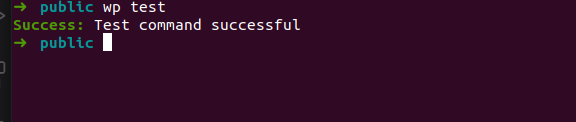
WP_CLI::add_command( $name, $callback, $args );Before using the WP_CLI we must check if the class is already there or not as WP CLI is not available in the normal wordpress execution and it would cause errors if the code gets executed in normal UI
if ( class_exists( 'WP_CLI' ) && WP_CLI ) {
	WP_CLI::add_command(
		'test',
		function () {
			WP_CLI::success( 'Test command successful' );
		}
	);
}
Generating a proper working command from mid-day question
if ( class_exists( 'WP_CLI' ) && WP_CLI ) {
	WP_CLI::add_command(
		'add-cap',
		function () {
			$role = get_role( 'approver' );

			if ( ! $role instanceof WP_Role ) {

				$role = add_role( 'approver', 'Approver', array() );
				WP_CLI::warning( 'Role approver was not already there, adding...' );

			}

			$role->add_cap( 'read' );
			$role->add_cap( 'edit_posts' );

			WP_CLI::success( 'Capabilities have been added' );
		}
	);
}
Generating commands in WP CLI is a very easy task we just have to provide name and callable function.